Smartphone Problems & Fixes Guide 2026 – Speed Up, Save Battery, Stop Overheating
Why Your Smartphone is Secretly Ruining Your Life (And How to Fix It Like a Pro)
This ultimate guide covers everything you need to know about smartphone problems and how to fix them effectively. Whether your phone is slow, overheating, or suffering from battery drain, this in-depth tutorial provides proven solutions for both Android and iPhone devices. Learn how to diagnose issues, improve performance, extend battery life, and avoid common mistakes that damage your phone over time. This guide also includes expert tips, troubleshooting steps, and a powerful phone diagnostic tool to help you identify and fix issues instantly.
🔥 Quick tip: Try the free phone checker tool below!
Let’s be honest ..
Your phone? Yeah, the one you're holding right now… it’s probably slower than it used to be, overheating like a mini stove, and the battery dies faster than your motivation on Monday morning.
And no — you're NOT crazy.
Every smartphone, whether it's an iPhone, Samsung, or any Android device, starts acting weird over time. But here's the thing:
Most people have NO idea why it happens… or how to fix it properly.
In this guide, I’m going to break down EVERY major smartphone problem in a simple, funny, and brutally honest way — just like a Reddit thread you actually enjoy reading.
Before you continue reading, test your phone here
Your phone is slower than ever...
But don’t worry — before reading, try this quick tool 👇
📱 Ultimate Phone Diagnostic Tool
📱 The Most Common Smartphone Problems (That Everyone Pretends Are Normal)
1. 🔋 Battery Drains Too Fast

You charge your phone to 100%… and somehow it's at 20% before lunch.
Sound familiar?
- Background apps draining power
- Screen brightness too high
- Old battery degradation
- Fake or cheap charging cables
Quick Fix:
- Turn off background app refresh
- Use dark mode (seriously, it helps)
- Avoid fast charging ALL the time
- Replace battery if older than 2 years
2. 🐢 Phone Suddenly Becomes Slow
Your phone used to feel like a Ferrari… now it feels like a broken shopping cart.
Why this happens:
- Too many apps installed
- Storage almost full
- Software updates not optimized
- Cache overload
Fix it like a pro:
- Delete apps you don’t use (be honest, you have a lot)
- Clear cache regularly
- Restart your phone once every few days
- Factory reset (last resort, but powerful)
3. 🔥 Overheating Issues
If your phone feels like it's cooking eggs… we have a problem.
Main causes:
- Gaming for long hours
- Charging while using
- Hot environments
- Malware or heavy apps
What to do:
- Stop using while charging
- Remove phone case while gaming
- Close heavy apps
- Install security app
4. 📶 Weak Signal or No Internet
Nothing is more frustrating than full bars… but no internet.
Possible reasons:
- Network issues
- SIM card problems
- Software bugs
- Wrong settings
Solutions:
- Turn airplane mode ON/OFF
- Reset network settings
- Update system software
- Replace SIM card
💡 Hidden Problems You Didn’t Know About
📉 Performance Throttling
Some phones intentionally slow down to protect battery life.
Yes… your phone might be betraying you quietly.
🕵️ Background Tracking
Apps tracking your location = battery drain + privacy issues.
🚀 Pro Tips That Make Your Phone Feel Brand New
- Keep storage below 80%
- Update apps regularly
- Use original charger
- Disable unnecessary animations
- Turn off auto-sync for unused apps
🤔 Should You Repair or Replace Your Phone?
Here’s a simple rule:
- If repair cost > 50% of phone price → Buy new
- If battery only → Replace it
- If motherboard issue → Run away 💀
👇 Got a weird phone problem? Drop it in the comments — let’s fix it together.
🧠 Advanced Smartphone Problems (And Fixes Nobody Talks About)
Alright… this is where things get interesting.
These are the problems that make people say: "My phone is cursed."
Spoiler alert: it’s not cursed… you just haven’t seen this guide yet 😏
5. 📦 Storage Full (Even After Deleting Everything)
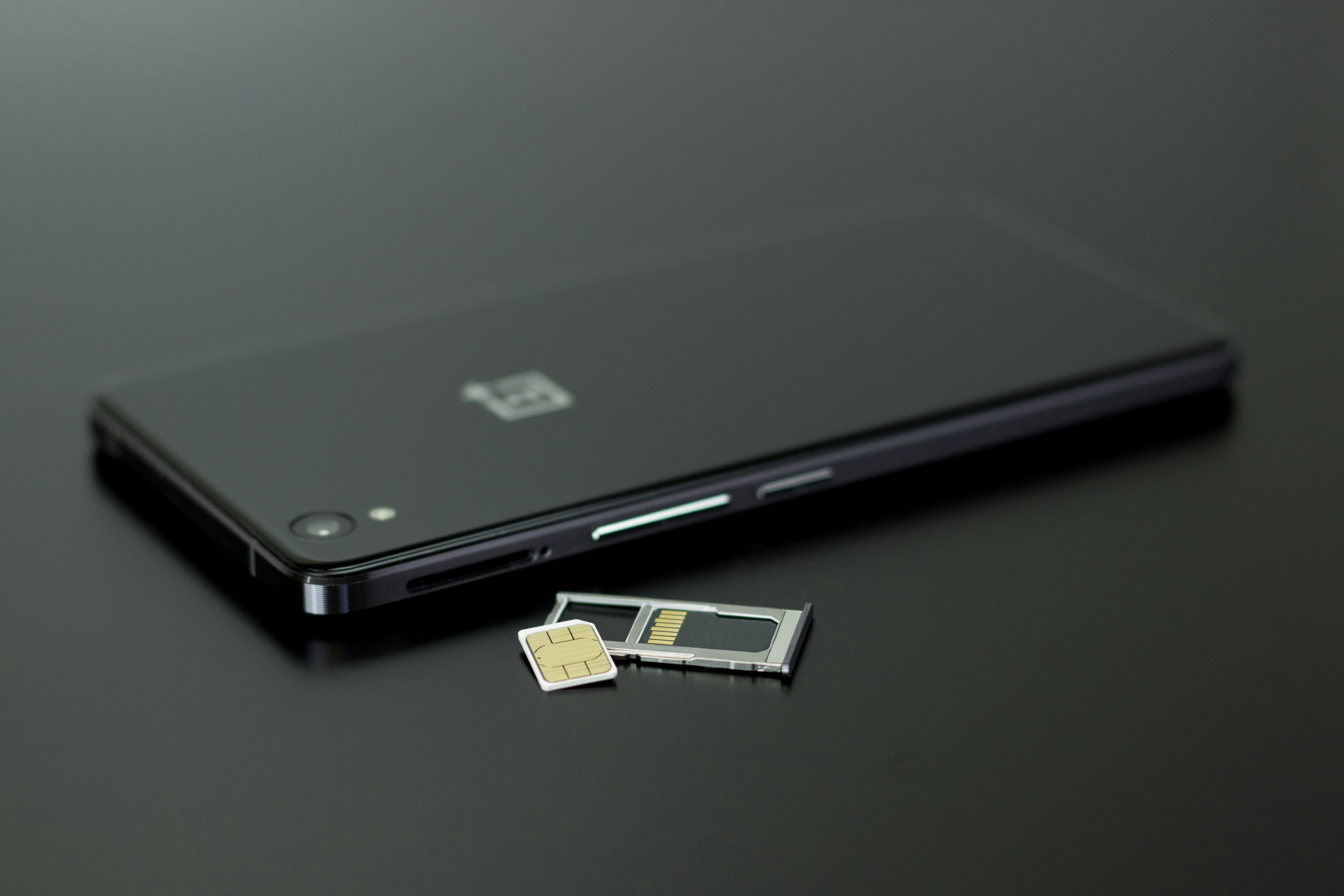
You delete photos… apps… videos… and somehow your storage is STILL full.
What’s really happening:
- Hidden cache files
- WhatsApp / Messenger media auto-download
- System “Other” files
Real Fix:
- Use storage analyzer apps
- Clear WhatsApp media folder manually
- Delete duplicate files
- Backup to cloud then wipe device
6. 📸 Camera Quality Suddenly Looks Bad
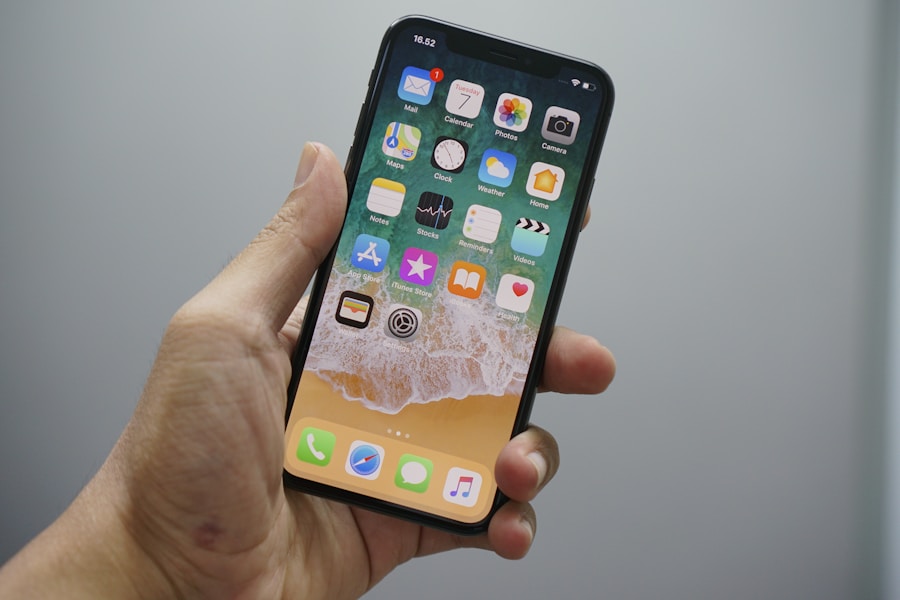
Your camera used to be amazing… now it looks like 2009.
Reasons:
- Dirty lens (yes… seriously)
- Software bugs after updates
- HDR misconfiguration
Fix:
- Clean lens with microfiber cloth
- Reset camera settings
- Update camera app
7. 🔊 Speaker Sounds Low or Distorted
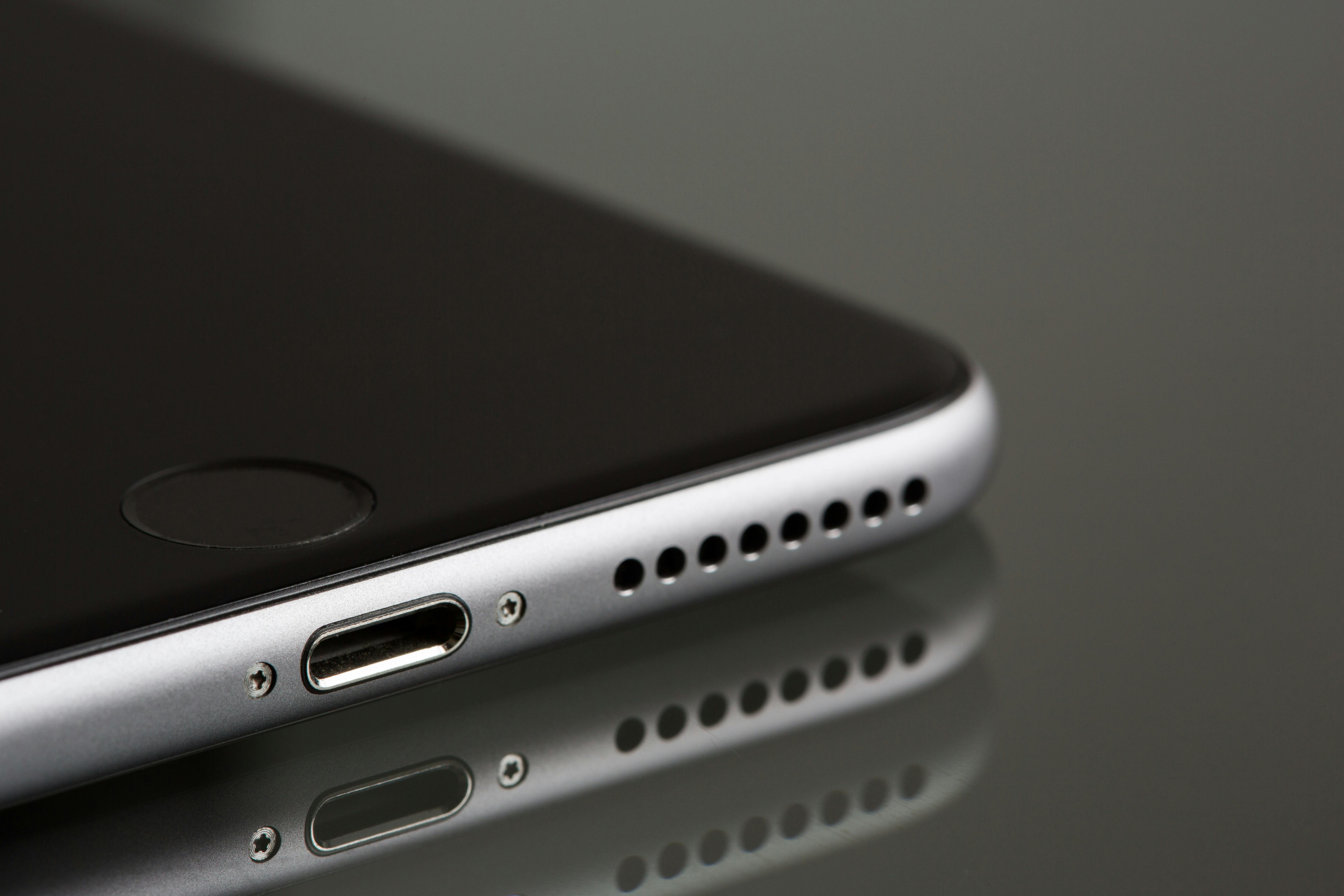
If your phone sounds like it's underwater… it probably is (or was 😅).
Causes:
- Dust buildup
- Water damage
- Software glitch
Fix:
- Clean speaker gently
- Use sound booster apps carefully
- Dry phone completely if exposed to water
8. 🔄 Apps Keep Crashing
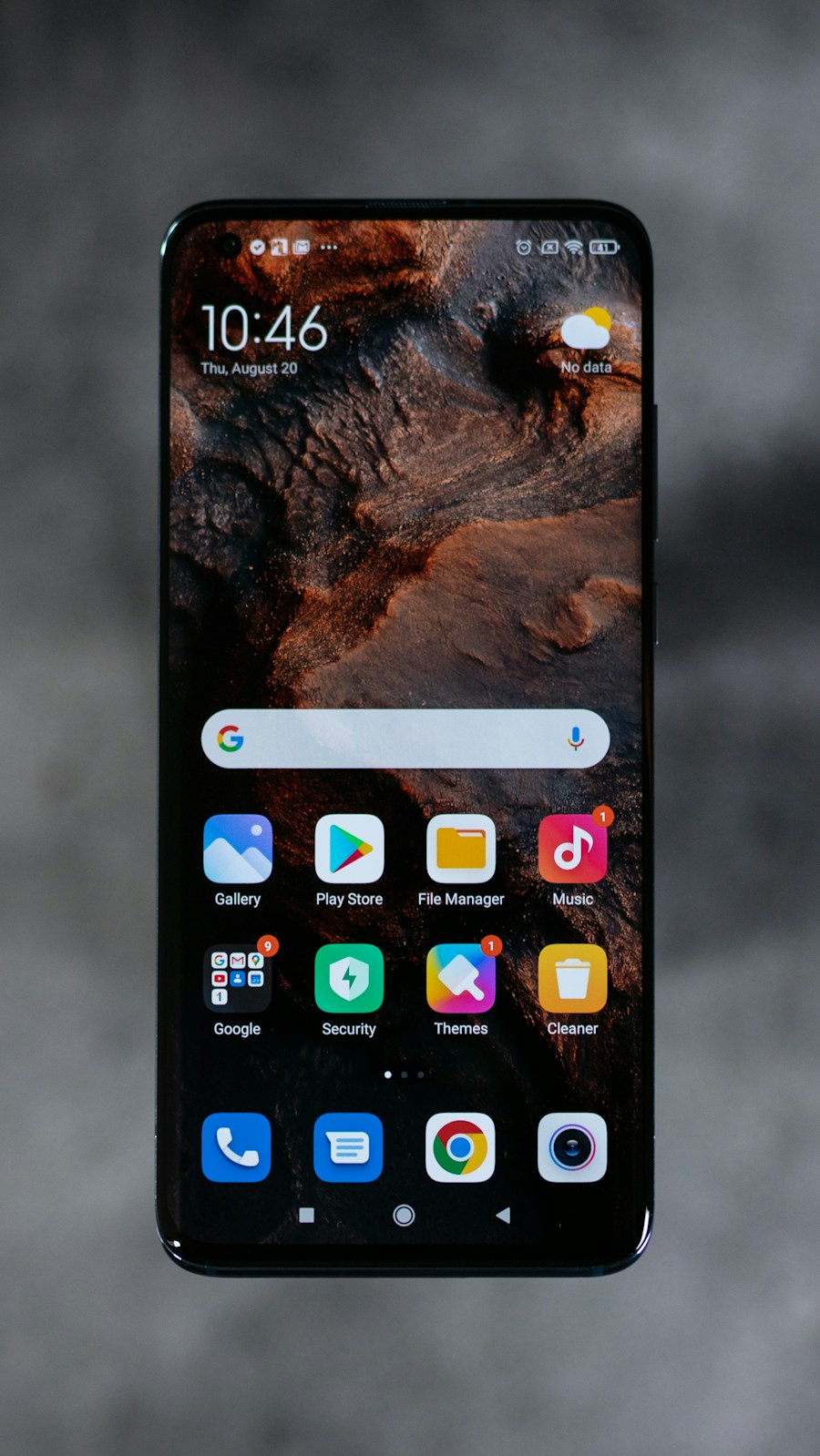
Opening an app… and boom… it closes.
Why:
- App not updated
- OS compatibility issues
- Corrupted cache
Fix:
- Update apps
- Clear cache/data
- Reinstall the app
9. 🔐 Phone Freezing or Not Responding
Touch screen stops working… and you start questioning life.
Fix:
- Force restart
- Remove heavy apps
- Check for screen damage
10. 🦠 Malware & Hidden Viruses

Yes, phones CAN get viruses.
Signs:
- Random ads popping up
- Battery draining insanely fast
- Unknown apps installed
Fix:
- Install trusted antivirus
- Remove suspicious apps
- Factory reset (best solution)
⚙️ Hidden Settings That Instantly Boost Performance
These are the "secret weapons" most people never touch:
- Disable animations (Developer Options)
- Limit background processes
- Turn off location for unnecessary apps
- Disable auto-start apps
🔋 Battery Life Hacks (That Actually Work)
- Charge between 20% and 80%
- Avoid overnight charging (yes, really)
- Use airplane mode in weak signal areas
- Lower refresh rate if available
❓ Popular Questions
Why is my phone battery draining so fast?
Because of background apps, high brightness, poor signal, or battery aging.
Why is my phone overheating?
Usually due to gaming, charging while using, or heavy apps running.
How can I make my phone faster?
Clear storage, remove unused apps, disable animations, and restart regularly.
Is it better to repair or replace a phone?
If repair cost is high, replacing is the smarter option.
people also asked
📌 Quick Checklist
- Restart phone every 3 days
- Keep storage under 80%
- Avoid cheap chargers
- Update apps weekly
- Remove unused apps
🏁 Final Ending
At the end of the day…
Your phone reflects how you use it.
Take care of it — optimize it — clean it…
And it will feel like a brand new device again.
Ignore it…
And well… enjoy the lag 😄
🚀 If this helped you, share it — someone out there is fighting with their phone right now.
📍 Best Phone Finder Tool
Discover the ultimate phone finder with huge database & instant checks!
⏳ How Long Should a Smartphone Last?
Tips to extend your phone life and avoid early replacement.
🔋 iPhone Battery Drains Overnight Fix
Proven fixes for iPhone battery drain while sleeping.
📱 How Long Do iPhones Really Last?
Learn the realistic lifespan of iPhones and maintenance tips.
⚡ Best Fast Phone Chargers
Top chargers for speed, safety, and long-term battery health.
Popular posts from this blog
Best Phones Under $300 That Feel Illegal for the Price (2026)

Before you spend a single dollar on your next smartphone, read this — it could save you hundreds. Most buyers assume they need to pay premium prices for speed, battery life, and great cameras. The truth? A new wave of smartphones under $300 is quietly outperforming devices twice the price. The problem is that the market is filled with overpriced options and misleading specs, making it dangerously easy to choose the wrong phone. That’s why we analyzed the top budget smartphones available right now — so you can skip the bad choices, avoid wasting money, and confidently pick a phone that delivers real value. Most people don’t realize this — but smartphone brands are masters of distraction. They sell you megapixels instead of real camera quality. They advertise speed you’ll never actually feel. They highlight features you’ll probably never use. Meanwhile… There are budget phones in 2026 that secretly deliver 80% of flagship performance for less than half the price. But only if you know whe...
How to Choose the Best Mobile Phone in 2026 (With Real Examples)

Buying a new mobile phone doesn’t mean buying the most expensive one. The best smartphone is the one that fits your daily needs, budget, and usage. 1️⃣ Common Mistakes When Buying a Smartphone Many buyers choose a phone based only on popularity or brand name, but this is one of the biggest mistakes in 2026. A phone that is perfect for someone else may not be right for you. Here are the most common mistakes: 1. Buying an expensive flagship just for social media If you only use WhatsApp, Facebook, YouTube, and TikTok, you do NOT need a $1000 phone. A mid-range device will perform exactly the same for daily tasks. 2. Ignoring the processor The processor is more important than the camera. A good chipset keeps the phone fast for 3–5 years. Many users focus only on megapixels and regret it later when the phone becomes slow. 3. Choosing high camera specs but never using them Many people buy phones because of “108MP camera” marketing, but they only take...
Phone Finder Tool – Discover the Perfect Smartphone for Your Budget

How Our Phone Finder Tool Works Select your budget, usage, and brand — and get the best phone instantly. Try the Tool Smart Phone Finder Find your perfect phone in seconds. Budget Under $300 300$ - 700$ Flagship ($700+) Main Use Photography Gaming Battery Life Balanced Preferred Brand Any Apple Samsung Android Find My Phone
🔋 How to Make Your Phone Battery Last Longer (Proven Tips That Work)

How to Make Your Phone Battery Last Longer (Proven 2026 Guide) How to Make Your Phone Battery Last Longer (Proven 2026 Guide) Battery life is one of the biggest problems smartphone users face today. Whether you're using Android or iPhone, your battery drains faster over time due to apps, background processes, and hidden system settings. This guide reveals real, tested methods to dramatically improve your phone battery life. If your phone dies too fast during the day, you're not alone. Modern smartphones are powerful—but battery life is still one of the biggest frustrations for users. In this guide, you'll learn real, proven methods that actually extend your battery life on both Android and iPhone—without breaking your phone or slowing it down. Smartphone technology in 2026 has reached unprecedented levels. OLED screens, AI apps, 5G connectivity...
iPhone 18 Pro Max (2026) – Full Specs, Price, Leaks & Honest Review

iPhone 18 Pro Max Full Review (2026) – Specs, Price, Leaks & Real Truth iPhone 18 Pro Max – Everything You Need to Know (2026) The iPhone 18 Pro Max is Apple's upcoming flagship expected in late 2026. This article covers ALL real leaks, specs, and expectations based on current data. Introduction: The Apple iPhone 18 Pro Max (2026) is shaping up to be one of the most powerful and futuristic smartphones ever created—pushing the limits of performance, camera technology, and AI integration. While Apple has not officially revealed the device yet, leaks and early reports already suggest a massive leap over previous generations, making it one of the most anticipated flagship phones of the year. From a stunning 6.9-inch LTPO OLED display with ultra-smooth refresh rates to the next-generation A20 Pro chip built on cutting-edge technology, the iPhone 18 Pro Max is expected to deliver unmatched speed...
Comments
Post a Comment